The social side of playing sports
Find your people. Play more.
Adults stop playing for boring reasons. The group chat goes quiet, the one person who organized moves away, and nobody wants to be the one to ask. Game ON keeps your group in touch between games and makes setting up the next one a ten-second job.
No scores, no leaderboards, no ratings. Just your people and the next game.
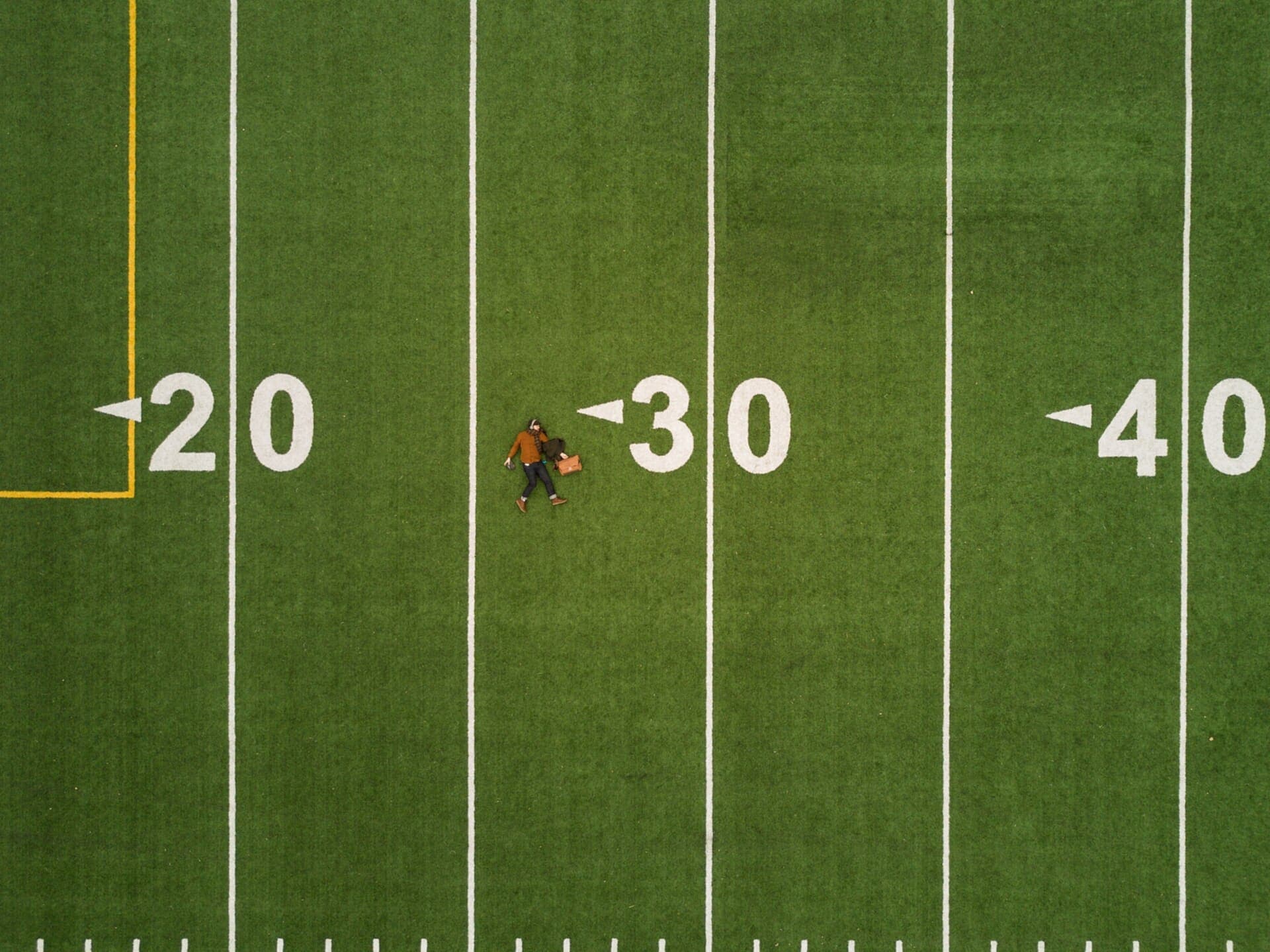
🏈October's sport · Football
What's inside
Everything a group needs between games.
Game ON is not a fitness tracker and it is not a league administrator. It is the part that keeps the six of you in touch, and gets the next game on the calendar.
Group chat
Every group gets a chat of its own.
A game rarely ends with a decision. It ends when the one thread everybody shares goes quiet, and nobody wants to be the one to ask whether Thursday is still on.
So each group you play with has its own chat, with only its members in it. Ask who's in, settle on a court, and have your answer before you put your phone down.
- Live. Messages land as they are sent, with nothing to refresh.
- Members only. Nobody outside the group can read it.
- Mute a busy group without leaving it.
Posts and upvotes
Questions worth keeping, ranked by the group.
Chat is for right now. Posts are for the things worth finding again: the best covered courts when it rains, who can lend a paddle, whether anyone is around this weekend.
Everyone in the group can vote, and the good answers rise. A downvote lowers a score and never hides anything. The group sorts; it does not censor.
- Sort any group's posts by Hot, New or Top.
- Replies are ranked too, so the best answer comes first.
- Scores are public. Who voted which way is not.
Game plans
Know you have enough players before you leave the house.
A game is a sport, a venue and a start time. Put one in front of your group and everyone can say they are in, maybe, or out.
The count is what tells you whether the game is actually on. When plans change, changing your answer takes one tap, and it is the most useful thing you can do for the rest of the group.
- Propose a game in seconds: the sport, the court and the time.
- See who is coming, and how many, at a glance.
- No scores and no standings. The plan is there to get you on the court.
Find your people
Tell us what you play and where. We'll make the introductions.
New in town or new to the sport, the hard part is finding the first group. Three questions take care of it.
Pick the sports you turn up for, then let your browser find your city or type it in. You land in the official group for each sport and in your city's community, among people near enough to actually play.
- An official group for every sport, run by Game ON.
- A community for your city.
- Start your own group, open to anyone or invite-only.
The feed and your profile
A feed of games that actually happened.
Follow the people you play with and your feed fills with what they have been up to: photos and clips from real games, not training plans.
Your profile says what you play and where. It is how a group that is short a player decides to invite you, so it is worth thirty seconds.
- Photo and video posts, tagged by sport.
- Likes and comments from the people who were there.
- A profile with your sport, your city and your posts.
Direct messages
Coming soonOne-to-one, for when the whole group doesn't need to know.
A lift to the court. A rematch between the two of you. Some conversations are not for fourteen people.
Direct messages are on the way. Until they arrive, every conversation on Game ON lives in a group chat, where the people you play with already are.
Also inside
The parts you notice once you're in.
Live notifications
Hear about it when someone is in for your game, answers your post or joins your group. Muted groups and blocked people stay quiet.
Your home turf
A globe pinned to your city, with your metro's group, the games coming up nearby and your own groups around it.
Groups you can share
Every open group has a page you can text to a friend, with a proper preview when it lands.
Open or private
Open groups can be found and joined by anyone. Private ones are invite-only, and nobody outside sees the roster or the chat.
Search
Look up players, groups and sports by name.
Every sport
From pickleball to BMX. If people meet up to play it, there is a group for it.
Safety
Built for meeting people you don't know yet.
A sports community only works when people feel safe turning up to meet strangers. The tools for that are part of the product, not an afterthought.
Report
Report a post, a comment, a message or a member from its own menu. Reports are never shown to the person you reported.
Block
Block someone and neither of you sees what the other posts. It works in both directions, everywhere.
Mute
Quiet a group that has got loud. You stay a member and can turn it back on.
Group admins
Admins can remove a post and say why. Its author still sees it, marked, so a removal can be questioned rather than guessed at.
Meeting in person? Play at public venues and tell someone where you are going. There is more in the Help Center and the Terms.
How it works
Three steps to your first game.
- 1
Create your account
A name, an email and a password. That is the whole form.
- 2
Say what you play, and where
Pick your sports and your city, and you land in the groups that match.
- 3
Get a game on the calendar
Say hello in the chat, propose a time, and see who's in.
Your people are already playing.
Beginners are not a lesser kind of player here. Turning up for the first time is the whole point.